Since I had to work it out myself and it wasn’t immediately clear, here’s the two main steps for hiding/disabling recaps in Slack (as of today, since I’m sure it’ll change in ten minutes).
Stop generating recaps
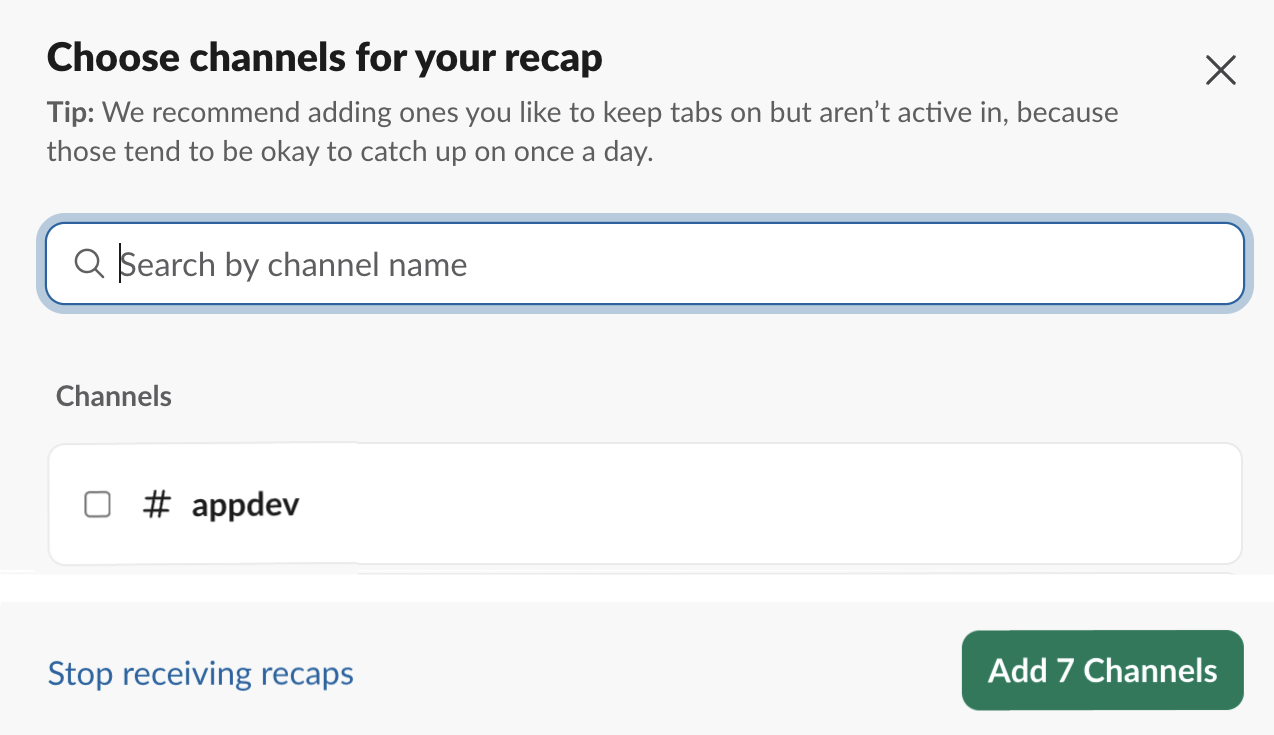
From the recap UI, click “Edit Channels”

Then “Stop receiving recaps”
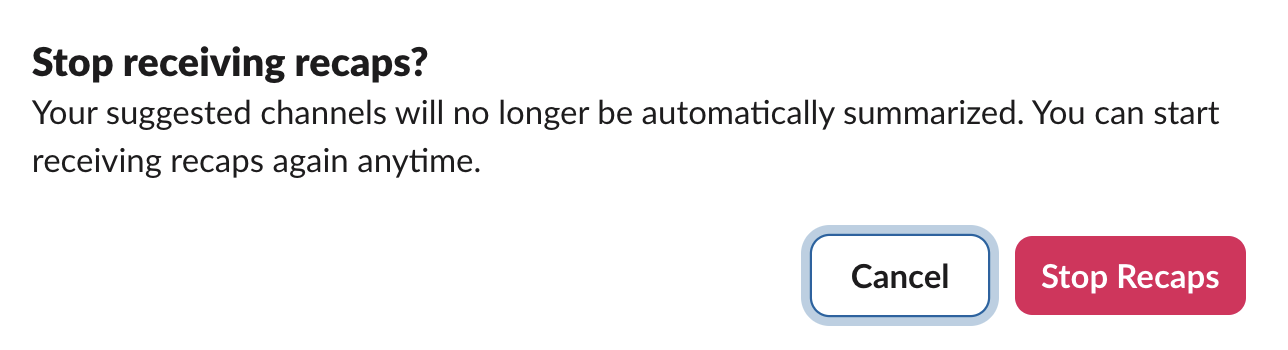
And.. finally confirm stopping.
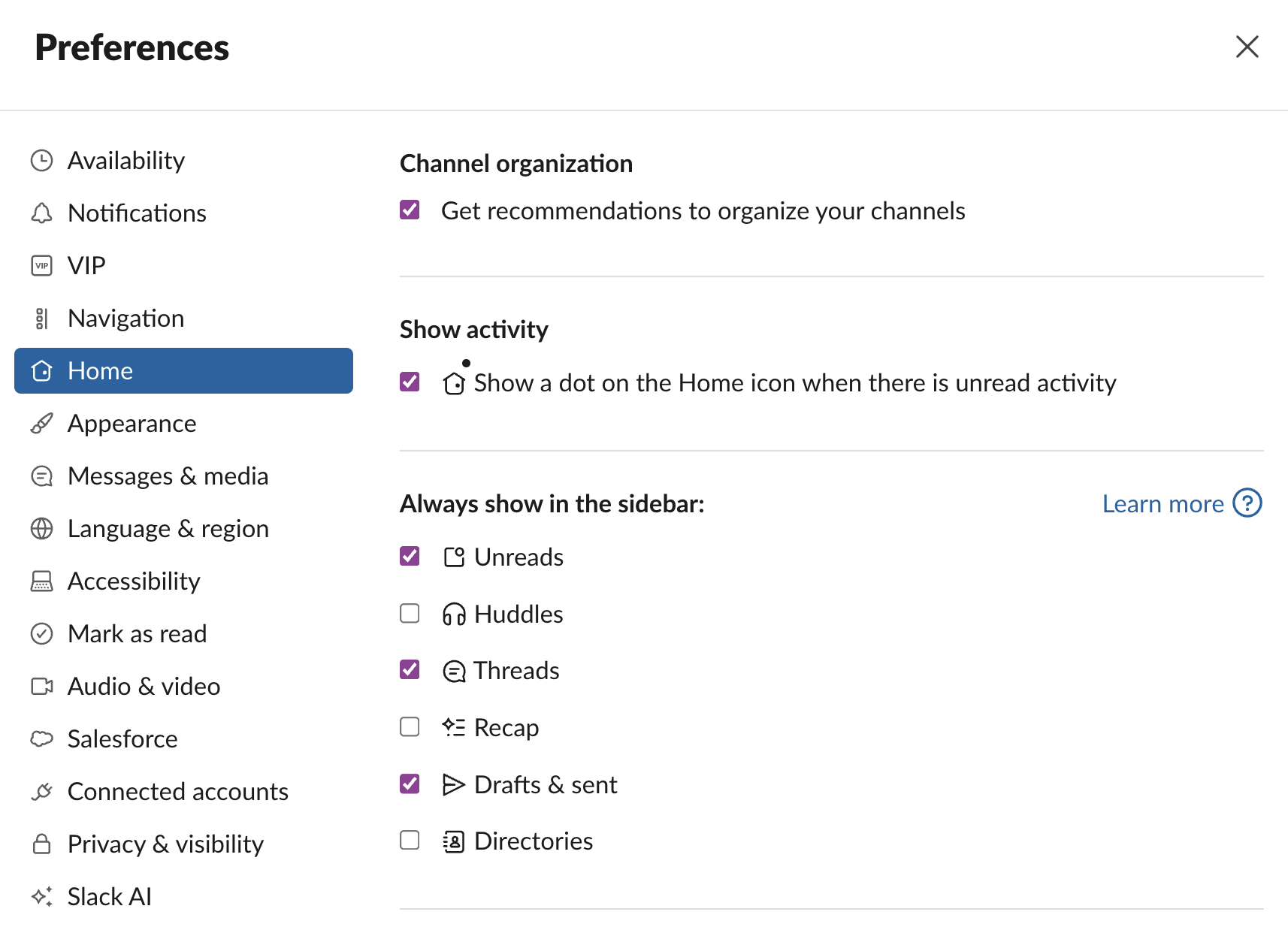
Remove it from the picker
To hide it from the bar on the left, go to preferences -> home -> untick recaps.
And get back to using the platform for what it’s best at, collaborating!