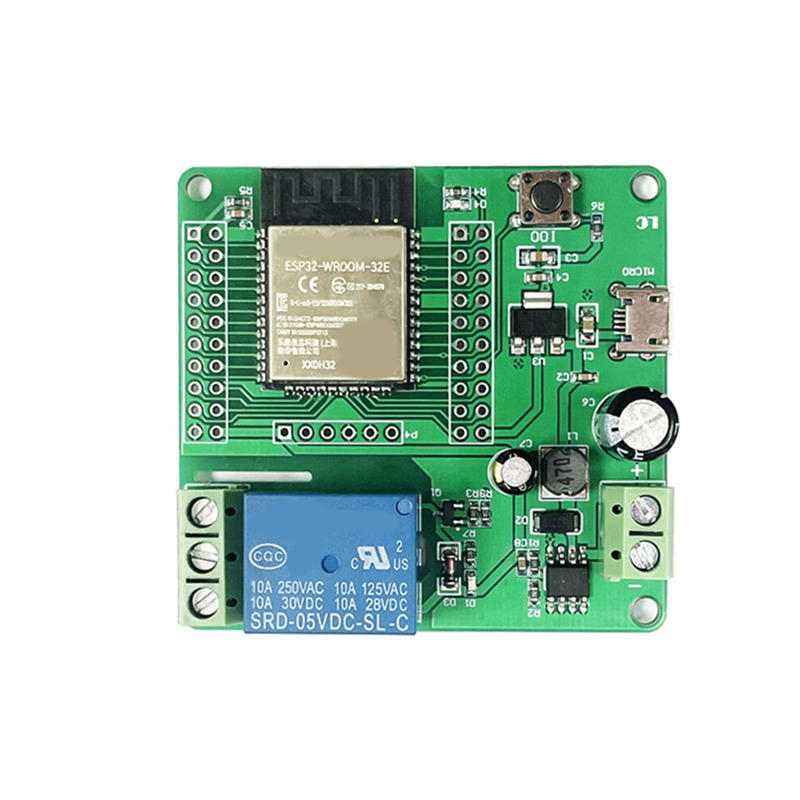
This is what I use for the single-relay ESP32 board I have in my garage as the garage door controller.
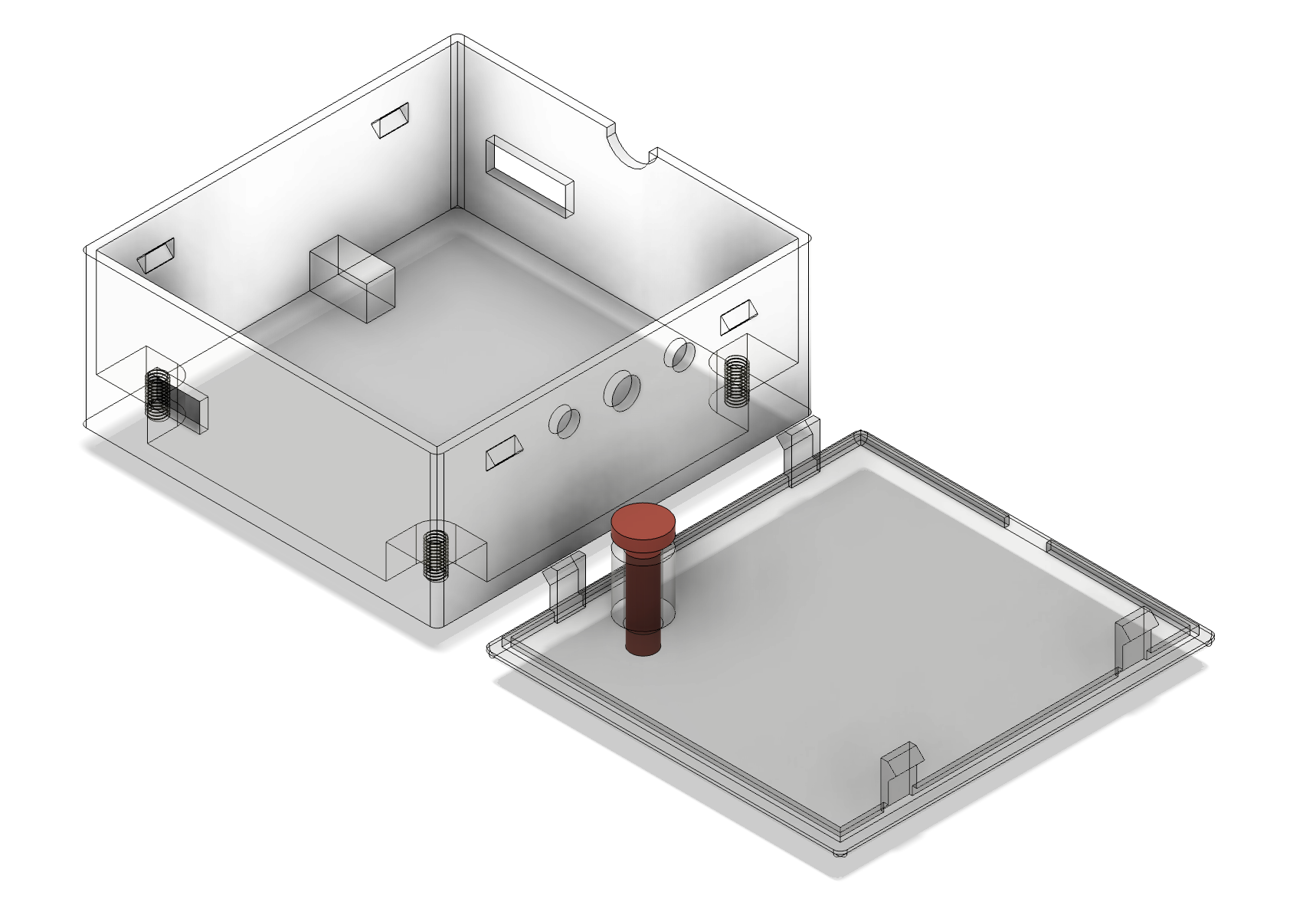
This is the board:
Files
The Fusion360 model file based on this case model but I added the button.
| Object | STL | 3MF |
|---|---|---|
| Case | Case STL | Case 3MF |
| Button | Button STL | Button 3MF |
| Lid | Lid STL | Lid 3MF |
ESPHome Garage Door Button Config
Basically you can tap the physical button or the “Garage Door Trigger” entity in Home Assistant and it’ll trigger the relay for 300ms which is enough for my garage door to think I pressed the button.
esphome:
  name: esphome-web-snip
  friendly_name: "Garage Door Control"
  min_version: 2025.11.0
  name_add_mac_suffix: false

esp32:
  variant: esp32
  framework:
    type: esp-idf

logger:
api:
ota:
- platform: esphome

wifi:
  ssid: !secret wifi_ssid
  password: !secret wifi_password

script:
  - id: pulse_garage_door
    mode: single
    then:
      - switch.turn_on: garage_door_relay
      - delay: 300ms
      - switch.turn_off: garage_door_relay

light:
  - platform: status_led
    name: "Status Led"
    restore_mode: ALWAYS_OFF
    pin:
      number: GPIO023
      inverted: False

switch:
  - platform: gpio
    pin: GPIO16
    name: "Garage Door Relay"
    id: garage_door_relay
    restore_mode: ALWAYS_OFF

button:
  - platform: template
    name: "Garage Door Trigger"
    icon: "mdi:garage-open"
    on_press:
      - script.execute: pulse_garage_door

binary_sensor:
  - platform: gpio
    pin:
      number: GPIO00
      mode: INPUT_PULLUP
    name: "Garage Door Button"
    filters:
      - invert
      - delayed_on_off: 50ms
    on_press:
      - script.execute: pulse_garage_door